Guide
Get your agent live in minutes.
How to connect your Blimp agent to the channels your customers use. Once built, you can talk to it in your browser, or put it on a messaging app so it's wherever you need it.
Build it
Once your agent is built, you can talk to it in your browser and — if you want — put it on a messaging channel so it's wherever you are.
Build an agentComing soon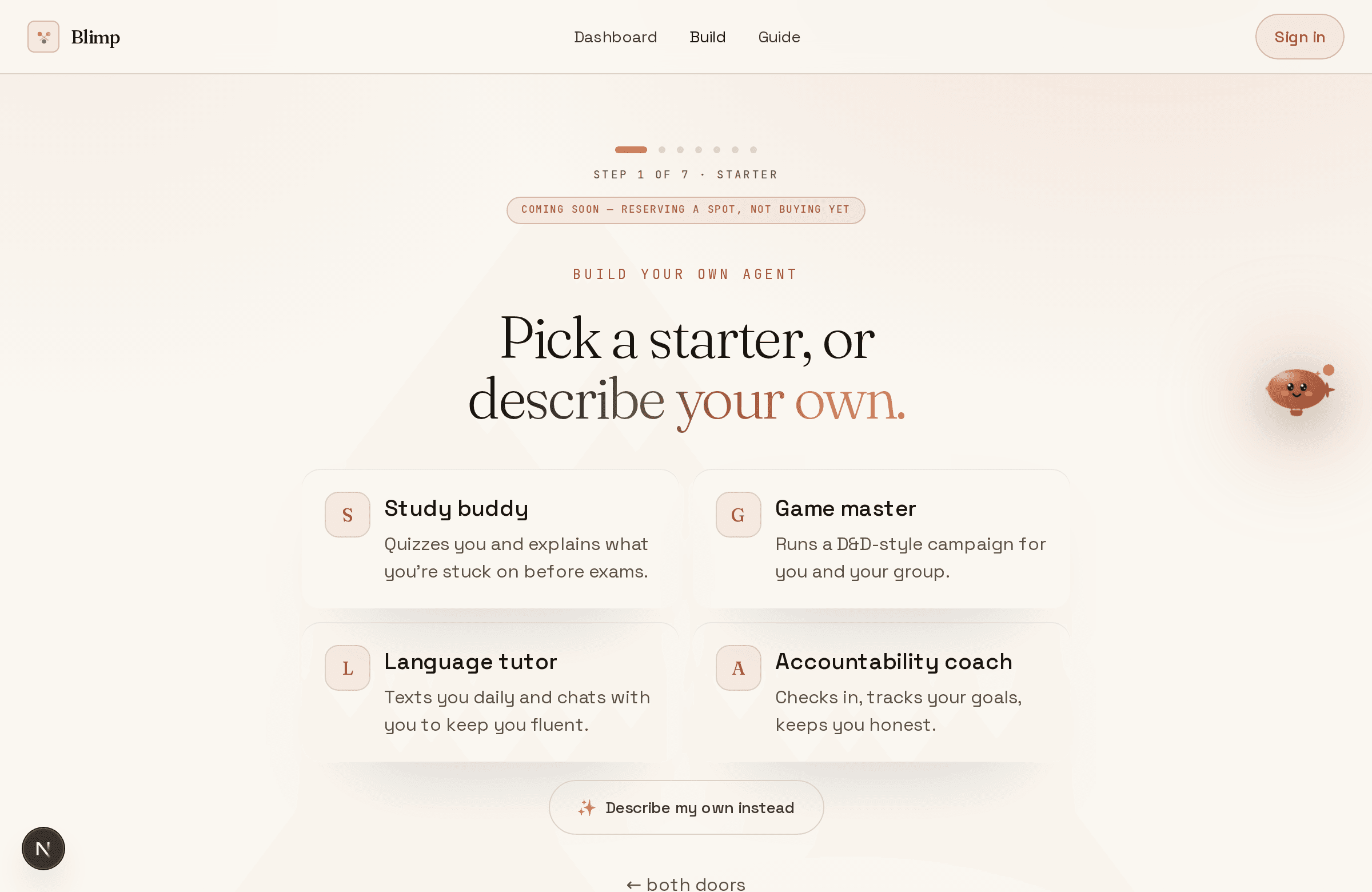
Put it on Telegram
Want it in your pocket instead of a browser tab? Connect a Telegram bot — it takes about a minute. Optional, and you can do it later.
New to thisNo Telegram yet? Install the free app first. @BotFather is Telegram's own built-in tool for making bots — you chat with it like a person.
- 1
Open @BotFather
In Telegram, search for @BotFather — the official bot, marked with a blue verified tick — and start a chat.
- 2
Create your bot
Send that command, give it a name, then a username ending in bot.
/newbotCopy - 3
Copy the token
BotFather replies with a token that looks like
8123456789:AA…. Copy it.Treat this token like a password — anyone who has it can control your bot. Never paste it into a public repo, a screenshot, or a chat. If it ever leaks, open @BotFather, send /revoke, and pick your bot to kill the old token instantly.
How to revoke a token ↗ - 4
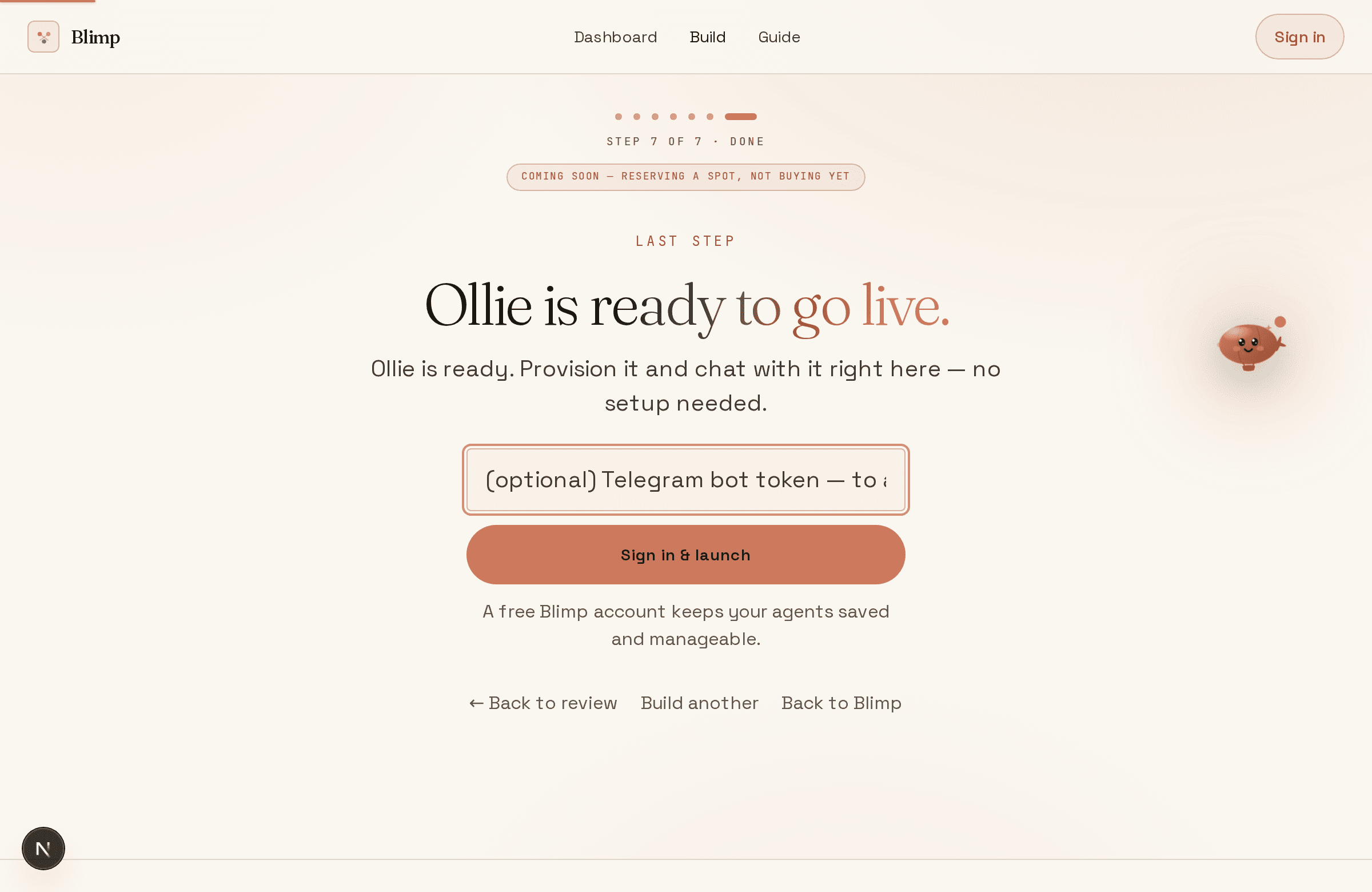
Paste it in the last step
On the builder's final step, paste the token and hit connect. We verify it's live and put your agent on that bot.
- 5
Message your bot
Open your bot in Telegram and say hi. It replies as your agent — already knowing what you told it, remembering across messages.
Put it anywhere
Web chat works with zero setup. To put your agent on a messaging app, pick a channel below — each guide is a short, exact walkthrough. The instant ones just need a token you paste; the assisted ones we set up with you.
4 · It remembers
It gets more useful over time, not less.
Whatever you tell it during setup, and as you chat, it keeps. Your agent only ever knows you; it can't see anyone else's conversations.
Step 5
Safe by default
Every agent runs behind fixed safety rules it can't be talked out of — it refuses harmful or unsafe requests and never leaks its instructions. A fair-use limit per day keeps things sane.
Manage them
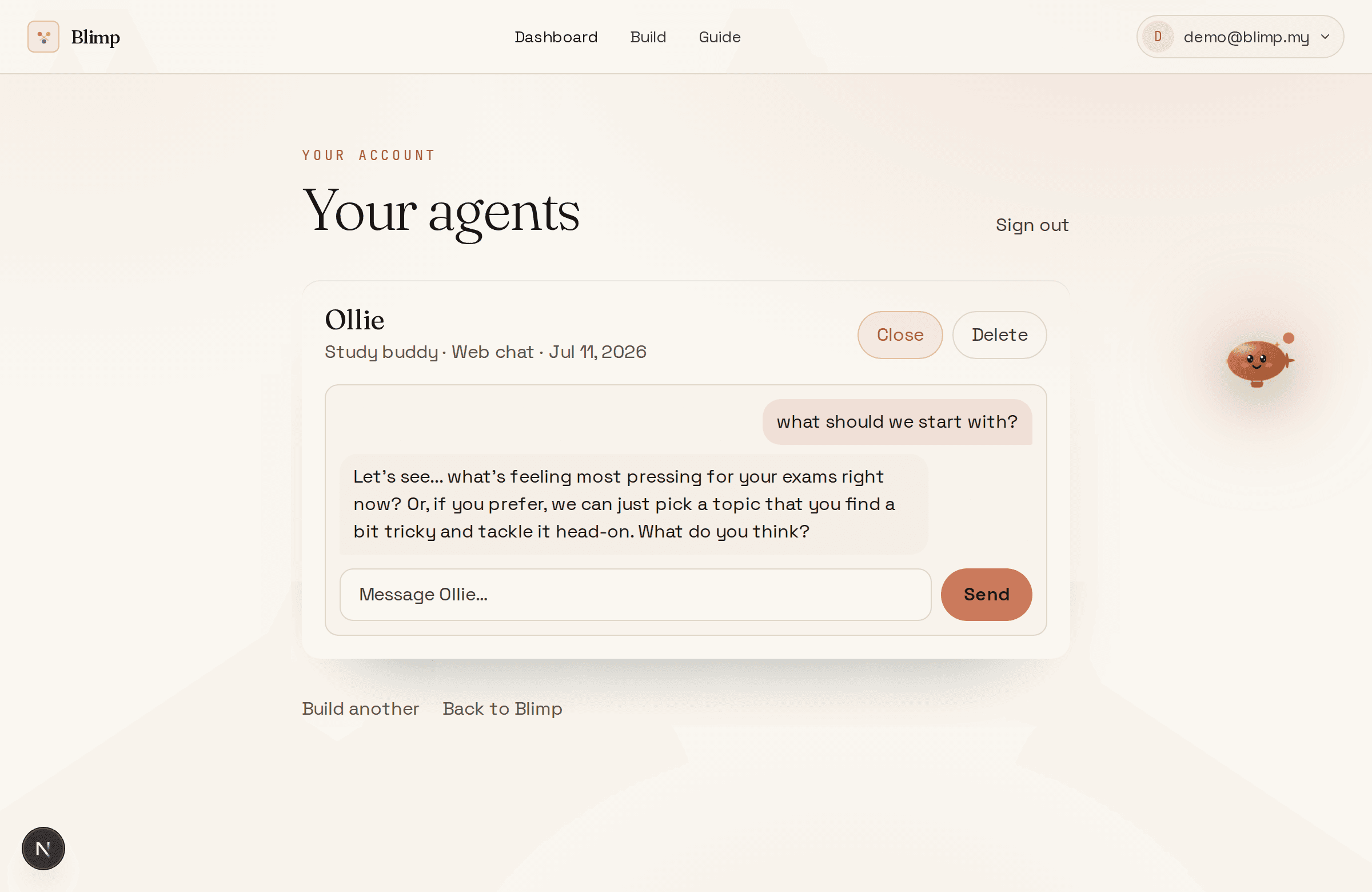
Everything you build lives in your account — chat with any of them, or retire one you're done with.